
Tech
Simple Ways to Use ChatGPT: How to Ask Questions, Generate Ideas, and Make Life Easier


If you’re not very tech-savvy, this is for you.
The first step is to log in to ChatGPT. You can use your Gmail account to sign in. Once you’re logged in, simply type a prompt — that means telling ChatGPT what you want it to help you with — and it will respond.
Now, let’s look at a few examples of what you can ask:
For Business People
- List 5 competing brands for “my business” and explain how they reach their target audience.
- Suggest marketing strategies for a small business.
- Help me create a content plan for social media.
If You Want to Know About Celebrities or Trending Topics
- List the top 5 band groups.
- Name 10 popular actresses globally, in Nigeria, or in Korea.
- What topics are currently trending?
For Fashion
- List colours that go well with a brown top.
- Suggest outfit ideas for a casual outing and so much more.
ChatGPT is a tool designed to make life easier. It is not something to fear or see as something that will take over your job. Instead, it is a tool that can make your work easier and help satisfy your curiosity.













For tech beginners or AI beginners who do not know how to use it, here is a simple guide on how to use AI to edit your photos.
Today, we will be looking at something as simple as changing your outfit, the colour of it or anything else you want to change.
Here are the steps to edit your photos using AI:
- Go to ChatGPT or any other AI tool you are using.
- Click on the attachment icon to attach the image you want to edit.
- Upload the photo you want to make changes to.
- Type your prompt and clearly state what you want the AI to change. For example: “Change the colour of the outfit in this image to red.”
- Send the prompt and allow the AI to edit the image based on your instruction.
- If you do not like the result, you can give another prompt telling the AI exactly what you want changed or corrected.
You can use the same method to change the colour of your outfit, change your hairstyle, remove something from the photo, change the background or make other edits to your image.
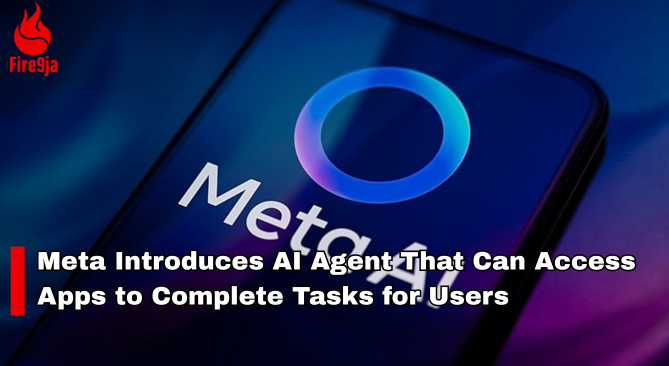
Meta has launched Muse, an AI agent designed to perform tasks across different apps and services on behalf of users.
The AI agent can perform tasks such as sending emails, booking travel and making payments, with users able to control which apps and services it can access.
Meta said Muse will require user approval for sensitive actions, including sending emails and making purchases. The AI agent is initially available in the United States.
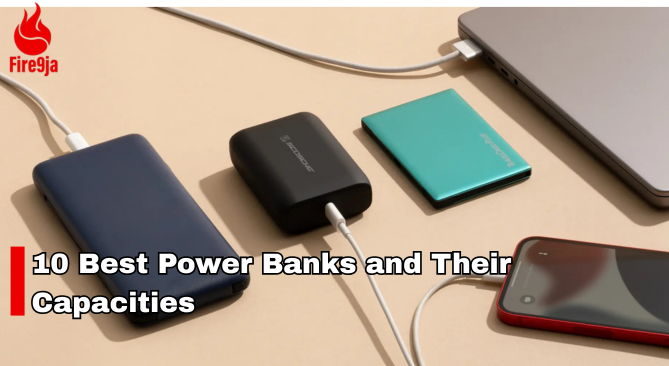
10 Best Power Banks to Use and Their Capacities
- Oraimo — 10,000mAh
- Itel — 10,000mAh
- Samsung — 10,000mAh
- Anker — 10,000mAh
- Xiaomi — 10,000mAh
- Infinix — 10,000mAh
- Tecno — 10,000mAh
- Romoss — 20,000mAh
- Baseus — 20,000mAh
- New Age — 20,000mAh

Judge Tells Duane Davis He Must Face Justice for Tupac’s Murder

Timini Egbuson Reflects on Embracing YouTube Movies in Nollywood


